Use Gumdex in Claude and ChatGPT
Connect your Gumdex collection to Claude or ChatGPT, then ask about it in your own words. Photograph a stack of cards and add them in one go, after checking each one.
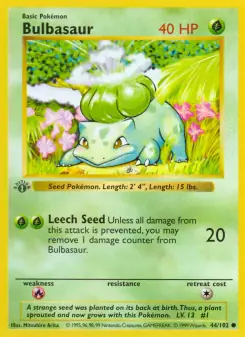
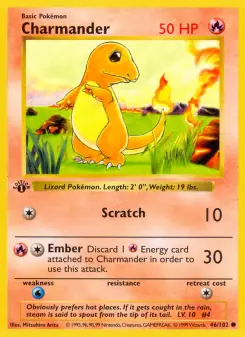
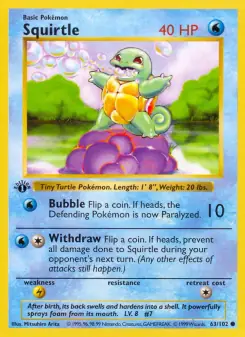
Ask about your collection
Ask which Pokémon you still need in a generation, how far your Living Dex has come, or which cards of a Pokémon you own. Look up a card by its name, number or set, and check whether it is legal in the Standard format.
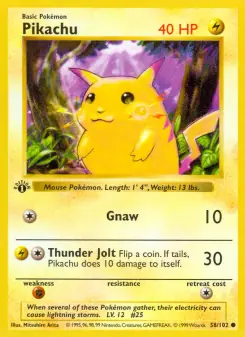
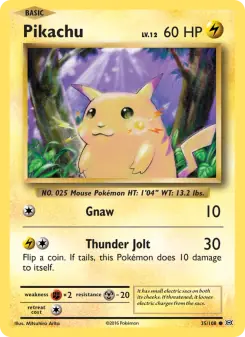

Add cards from a photo
Photograph the cards you just opened or traded for and ask to add them. Gumdex matches each card to its exact print and shows a list with the card images. Where a card could be one of several prints, you choose the right one.
Tick the cards you want and press Add. Cards already in your list are marked, so nothing is counted twice. If Gumdex has no picture of a card yet, you can add your own photo of it from the list.
You stay in charge
You choose what a connected app may do: see your lists and look up cards, and add cards that Gumdex offered in its list. It cannot remove cards, read your notes or prices paid, or change your account.
Disconnect it on your account page whenever you like.
How to connect
In Claude, open Settings, then Connectors, choose Add custom connector and paste the address below. In ChatGPT, adding an app by its address needs developer mode, which you turn on in the advanced settings of Settings, then Apps; then add an app with the same address. The address:
https://www.gumdex.app/v1/mcp
You sign in to Gumdex as usual and confirm what the app may do. Then ask your first question, such as “Which Pokémon from the first generation am I missing?”
Gumdex is an unofficial fan project. It is not affiliated with, endorsed or sponsored by Nintendo, Creatures, GAME FREAK or The Pokémon Company, nor by Anthropic or OpenAI.
Questions
Can Claude or ChatGPT add cards without asking me?
In Claude and ChatGPT, cards are added from the list Gumdex shows in the chat, when you tick them and press Add. Gumdex itself accepts only cards that list offered, from an app you allowed to add cards, and a connected app can never remove any.
What can a connected app see?
Your lists, the cards you own and the Gumdex catalogue. It never sees your notes, the condition or quantity of your cards, what you paid, or your account settings.
Does it cost anything?
Connecting is free at every level. You need a Gumdex account and an account with Claude or ChatGPT.
How do I disconnect?
Open your account page and press Disconnect next to the app under Connected apps. It loses access straight away.
Start your collection first
Make a free Gumdex account, then connect it to Claude or ChatGPT whenever you like.